
User Guide
Get Started by Following a Few Simple Steps
Follow these simple steps to set up and start using live support during your viva, defence, academic meeting and interview.
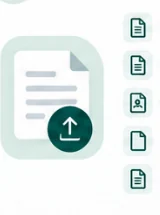
Step 1 — Upload Your Documents
Add the document relevant to your session, such as:
- Thesis or dissertation
- Research paper
- CV
- Job description
- Preparation notes
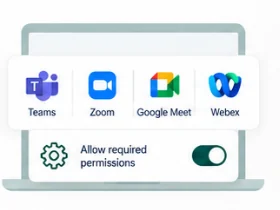
Step 2 — Set Up Your Meeting
Choose your meeting platform and allow the required permissions.
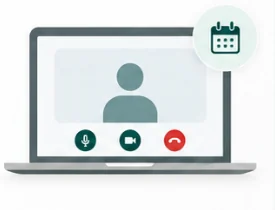
Step 3 — Start Your Session
Join your viva, academic meeting, or interview as usual.
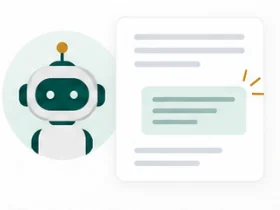
Step 4 — Get Live Support
The tool listens to questions and provides answers based on your uploaded documents.
Need More Help?
Check the FAQs or contact our support team for assistance.